Course Progress (11%)
start here
Use Your First Lesson As An Introduction
 Wahoo! Look at you, you are now inside a lesson in a Teachery course! 👏👏
This example course you’re viewing should (hopefully) serve two purposes:

#1 You are seeing exactly how a course is built in Teachery and how to interact with it.

#2 We are also giving you some well-worn tips on how to structure your own course content as you get started!

Our first tip is to start your course with an Introduction Lesson. You can use this lesson to do a few important things:

  • 🗣️  Introduce yourself and remind your customers what they will learn

  • 🎥  Add a walk-through video or helpful guide to assist them in getting the most out of your course

  • ⚡️ Let your customers know any actions you want them to take as they move through the course. This would be things like clicking the Completed buttons at the bottom of lessons, checking out resources from the sidebar, etc.

Great! Now you have a good idea of how to structure a simple Introduction Lesson in Teachery. To take our own advice, here’s a short walkthrough video going over some of Teachery’s core features and how to navigate around:


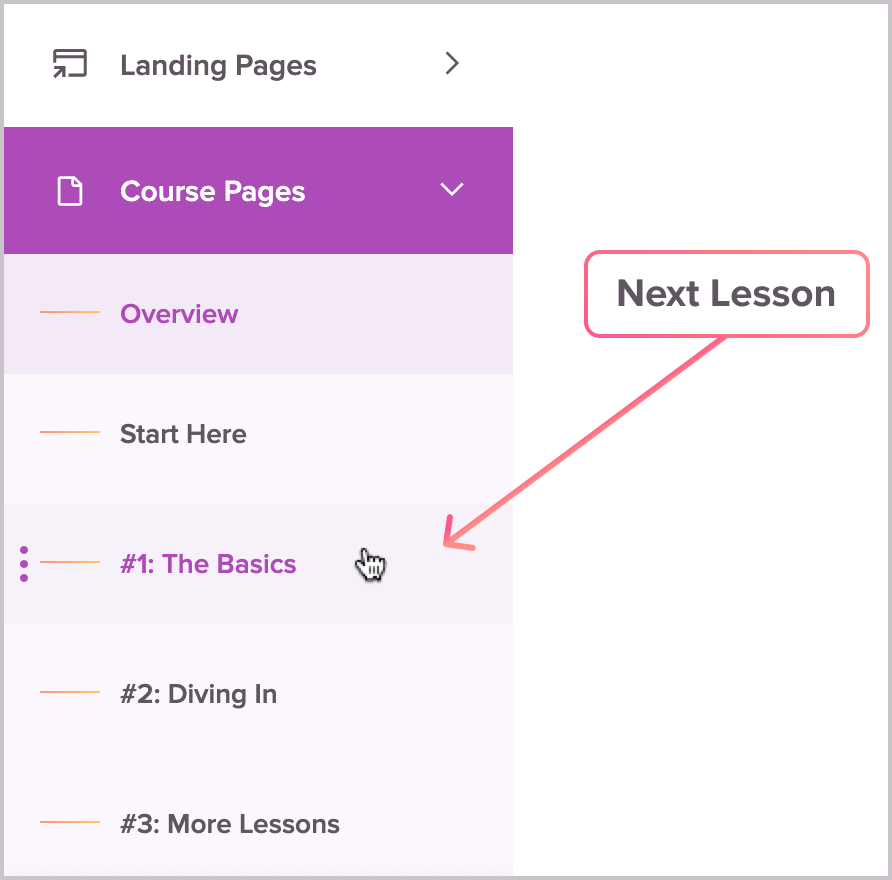
👋 NOTE: Since this course is a bit of an Inception example (a course within a course, if you will), navigating around the course while inside this “Course Editor” as we call it can be done by clicking the next lesson in the left sidebar.