LESSON #3: MORE TIPS & SUBLESSONS
If You Need Sublessons Within A Lesson…
In YOUR actual course, it is likely you’ll need more than just 3-5 lessons to teach whatever awesome skill it is you’re teaching your customers. Now, if you don’t need more than 3 to 5 lessons, there’s nothing wrong with that at all!
We believe your course should have as many lessons and as much content as it takes for YOU to teach whatever thing you are teaching. That could be 4 lessons or it could be 40. The good news is, Teachery doesn’t limit you to how small or big a course can be.
What’s that, you ask? You want a couple more Teachery Lesson tips? We’re happy to oblige!
🏞️ Extra Teachery Lesson Tip #1: Preview or Thumbnail Lesson Images
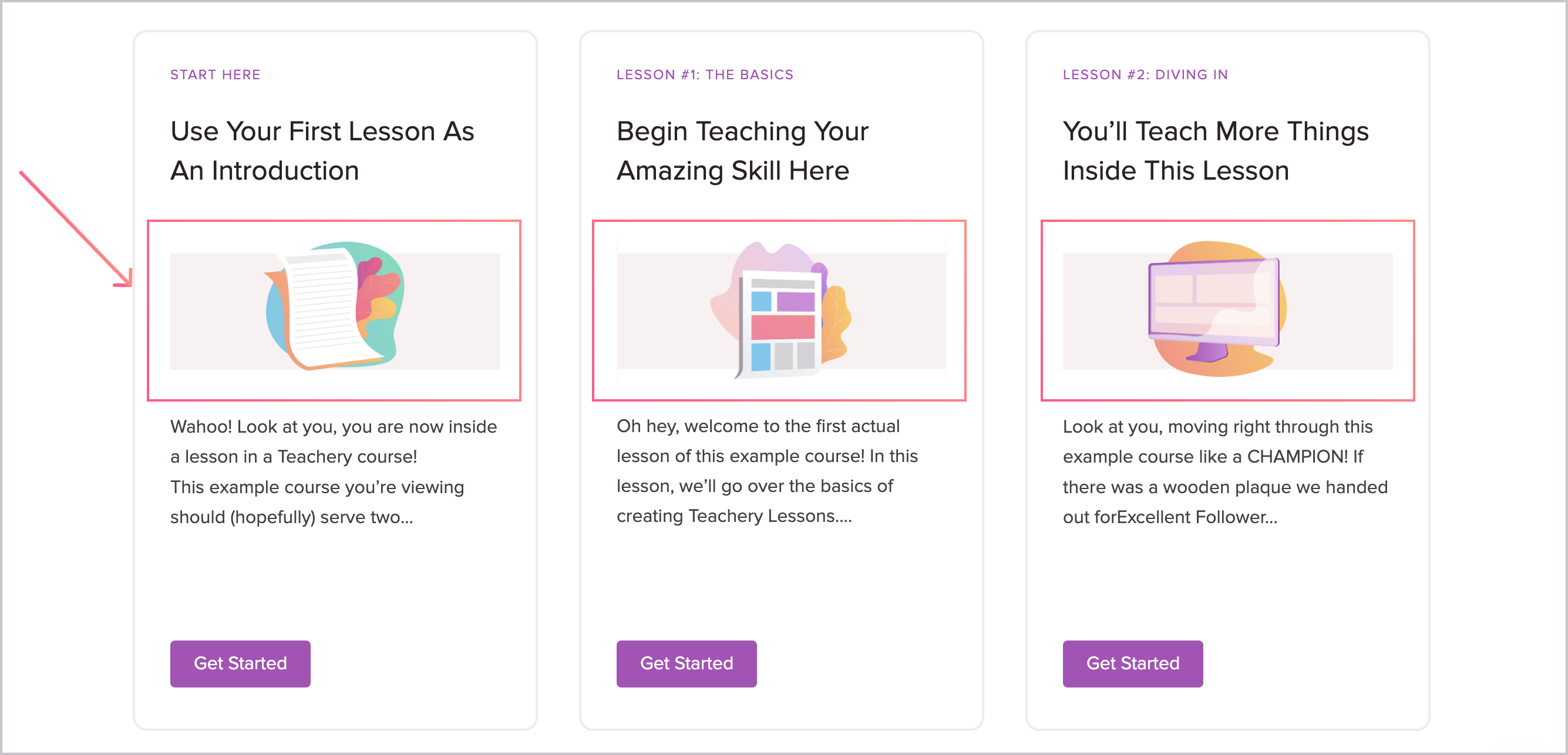
You may have noticed we have some fun visuals on the Overview Page of this course to make the lessons a bit more appealing. It’s actually really easy to do this and we have a simple help doc to walk you through it: https://help.teachery.co/en/articles/201-add-lesson-preview-images
😎 Extra Teachery Lesson Tip #2: Customizing Your Header Image
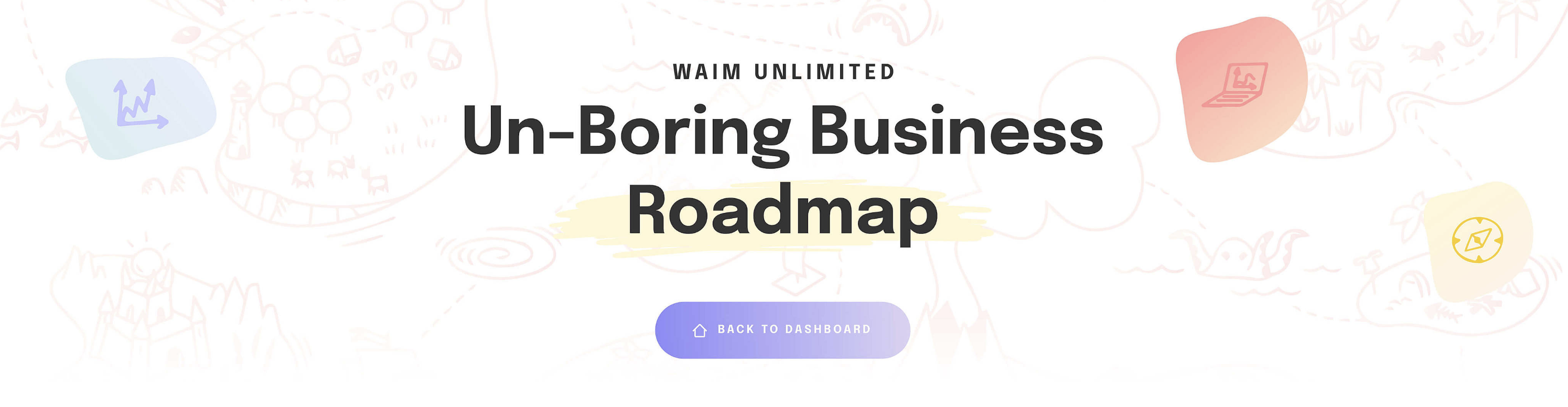
One thing we actually learned from our Teachery customers was just how creative and crafty you can get with your course’s header image! Try some different designs, have some fun, and feel free to add a fake “Back to Overview” button in your image design so it’s even more clear for your customers how to get back to the main page of your course (just like we did in this course!)
Here are three examples to show other header images with fake buttons added:

🔒 Extra Teachery Lesson Tip #3: Lesson Drip Options
Do you want to lock your lessons so you can drip out access to them on a schedule you control? We have two separate ways you can lock lessons: creator-based vs. customer-based.
A creator-based drip schedule unlocks lessons based on dates that you set manually.
A customer-based drip schedule unlocks lessons when your customer clicks the “completed lesson” button of the previous lesson.
These Lesson Drip Options can get a bit technical, but if you like to live dangerously 😂😂, you can dive into our help doc for that: https://help.teachery.co/en/articles/154-creating-a-course-with-drip-fed-content-locking-lessons
Groovy! Three more Teachery tips added to your brain, maybe you are going to use this lesson to teach your customers three fun tips too?
Now, let’s introduce you to Sublessons here in Teachery! Sublessons are a great way to nest MORE information inside one larger Lesson. We’re going to show you an example in this lesson, while also teaching you about our various kinds of Content Blocks 💪💪.
Go ahead and click the next Sublesson under this main lesson using the left sidebar (when you're in the Course Editor).
We believe your course should have as many lessons and as much content as it takes for YOU to teach whatever thing you are teaching. That could be 4 lessons or it could be 40. The good news is, Teachery doesn’t limit you to how small or big a course can be.
What’s that, you ask? You want a couple more Teachery Lesson tips? We’re happy to oblige!
You may have noticed we have some fun visuals on the Overview Page of this course to make the lessons a bit more appealing. It’s actually really easy to do this and we have a simple help doc to walk you through it: https://help.teachery.co/en/articles/201-add-lesson-preview-images
One thing we actually learned from our Teachery customers was just how creative and crafty you can get with your course’s header image! Try some different designs, have some fun, and feel free to add a fake “Back to Overview” button in your image design so it’s even more clear for your customers how to get back to the main page of your course (just like we did in this course!)
Here are three examples to show other header images with fake buttons added:
Do you want to lock your lessons so you can drip out access to them on a schedule you control? We have two separate ways you can lock lessons: creator-based vs. customer-based.
A creator-based drip schedule unlocks lessons based on dates that you set manually.
A customer-based drip schedule unlocks lessons when your customer clicks the “completed lesson” button of the previous lesson.
These Lesson Drip Options can get a bit technical, but if you like to live dangerously 😂😂, you can dive into our help doc for that: https://help.teachery.co/en/articles/154-creating-a-course-with-drip-fed-content-locking-lessons
Groovy! Three more Teachery tips added to your brain, maybe you are going to use this lesson to teach your customers three fun tips too?
Now, let’s introduce you to Sublessons here in Teachery! Sublessons are a great way to nest MORE information inside one larger Lesson. We’re going to show you an example in this lesson, while also teaching you about our various kinds of Content Blocks 💪💪.
Go ahead and click the next Sublesson under this main lesson using the left sidebar (when you're in the Course Editor).