
Course Progress (22%)
SUBLESSON #3
Content Blocks — Just More Text ✏️
This is your final example Sublesson about Content Blocks (and Sublessons 🤪). We’re going to keep this one brief, as you may have already figured out how you can add a Content Block that’s just text/images. A Text Block is a great way to separate different areas of content with a lesson or sublesson.

If you’re feeling frisky, you can also use a Text Block with just a simple horizontal divider OR image divider that you create. Like this horizontal rule in the next block, which you can find in our Quick Menu (just hit Enter/Return to start a new line of text, click the ( + ) icon, and then the Insert Horizontal Rule icon ( — )…


Or, make your own image in Canva, Photoshop, etc, and upload it to Teachery like this…

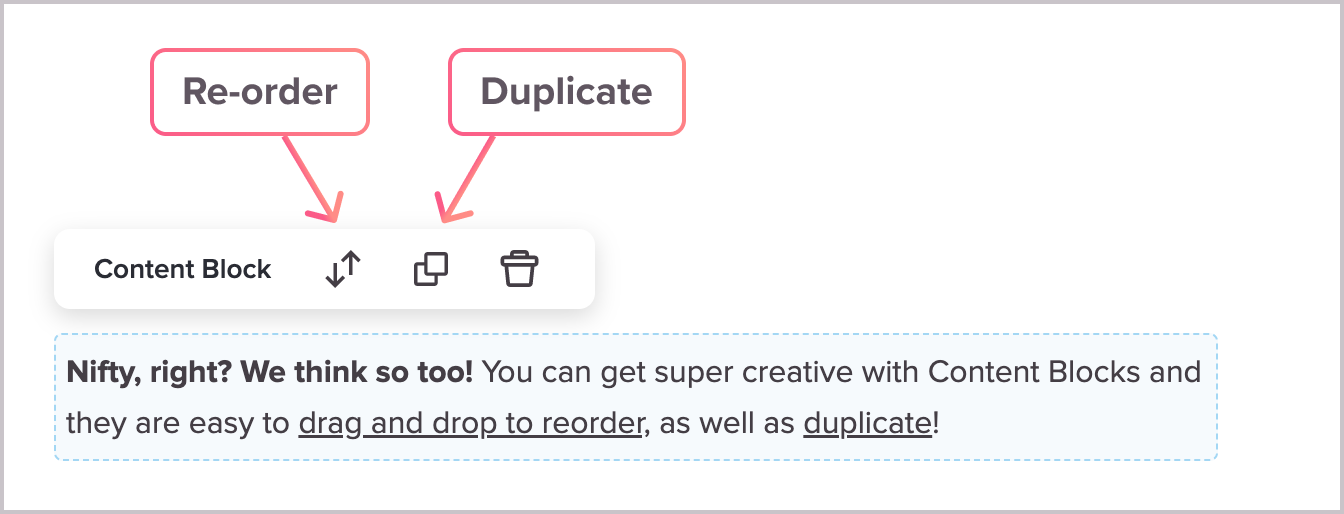
Nifty, right? We think so too! You can get super creative with Content Blocks and they are easy to drag and drop to reorder, as well as duplicate!


And, hey, that also wraps up our super-meta Lesson on Sublessons. ✅